
19 Mar 2026
Roles, document locking, and a clearer Inbox flow
Roles, document locking, and a clearer Inbox flow
We’ve introduced a few updates to make collaboration in Skwiz easier and give teams a clearer overview of what needs to be worked on.
This release adds custom roles and permissions, document locking during review, and an updated Inbox that better reflects the document workflow from splitting and classification to extraction and validation.
Roles and permissions
You can now create custom roles and define which permissions each role should have.
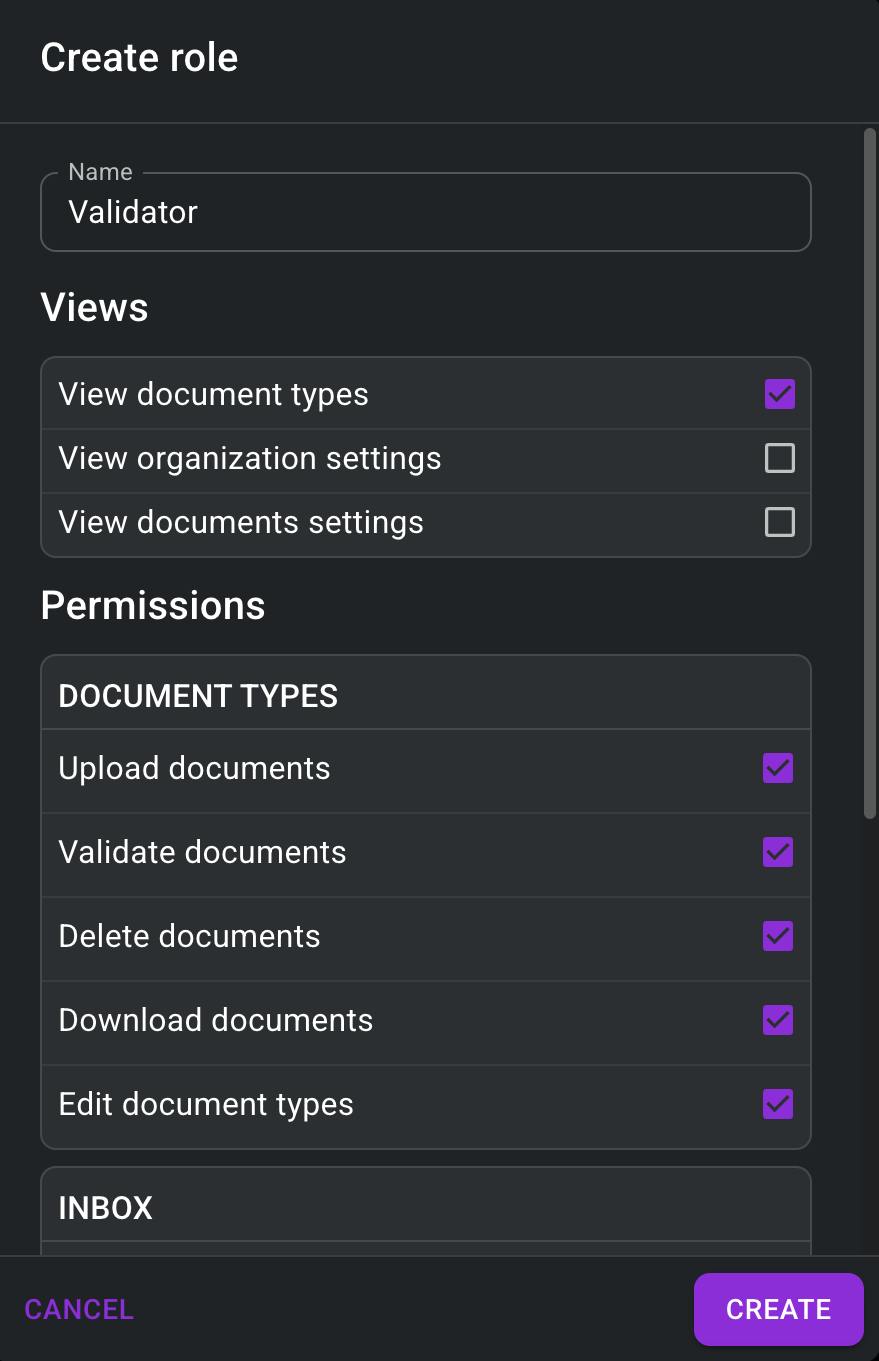
By default, each organization has an Admin role with access to all permissions. In addition, you can create your own roles and assign them to users based on their responsibilities.
This makes it easier to control who can view settings, manage document types, upload documents, validate documents, or perform other actions in Skwiz.
Document locking
Skwiz now shows when a document is being worked on by someone else.
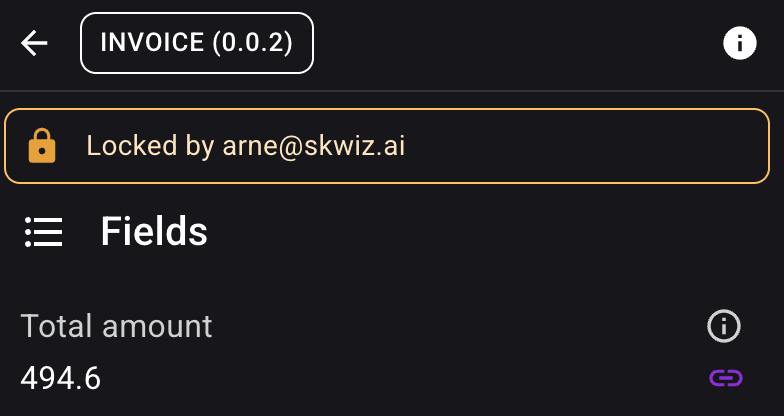
When a document is locked, users can immediately see who is currently editing it. This helps avoid overwriting each other’s changes and reduces duplicate work during review.
A document is automatically unlocked as soon as the user leaves it or after a period of inactivity.
A clearer Inbox flow
We’ve also updated the Inbox to better match the way documents move through Skwiz.
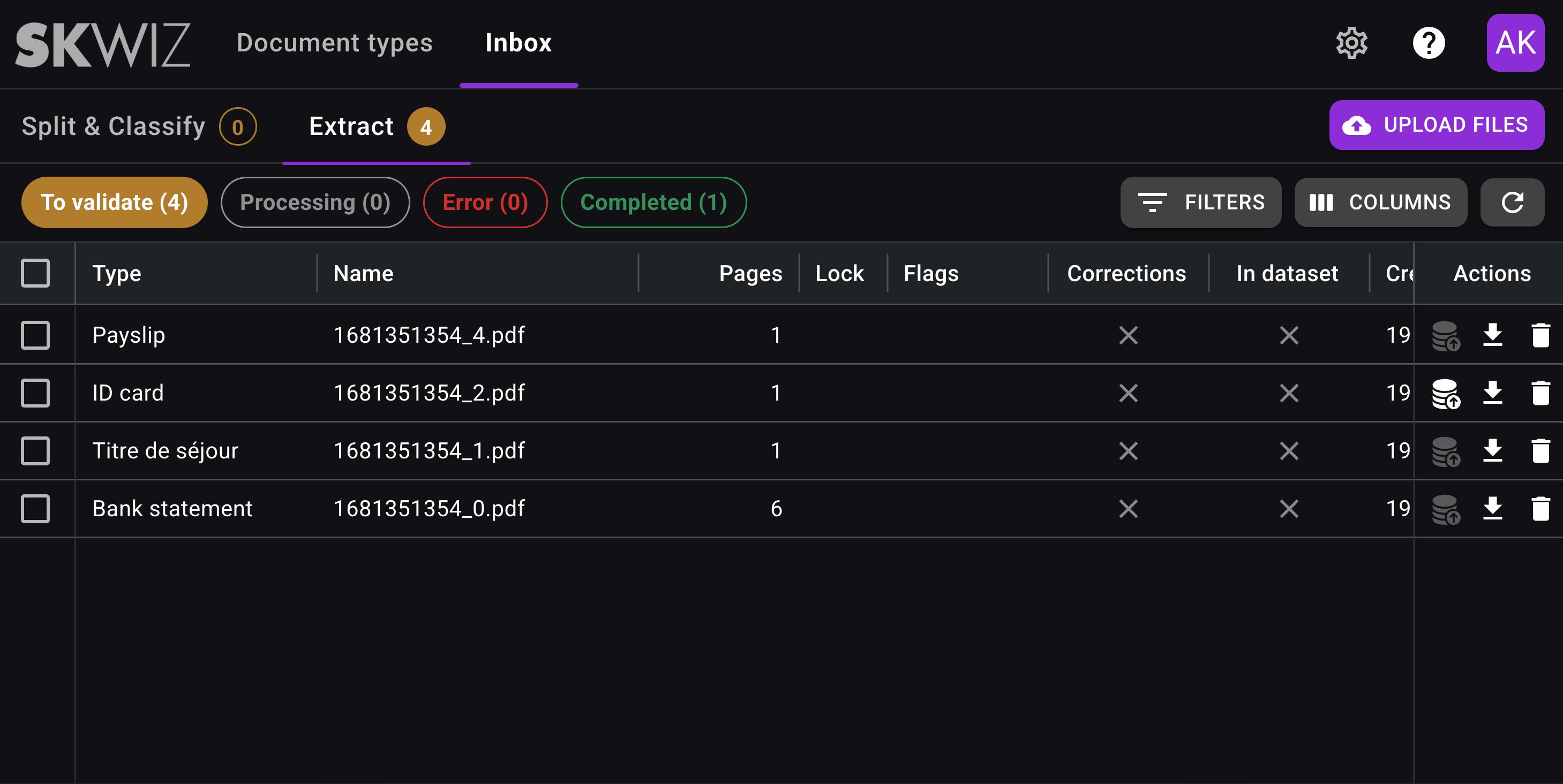
Instead of mixing splitting and classification documents with extracted individual documents, the Inbox now separates these stages into a more logical flow. Users can also immediately see how many documents require validation, making it easier to focus on the work to be done.