18 Jan 2024
PDF splitting
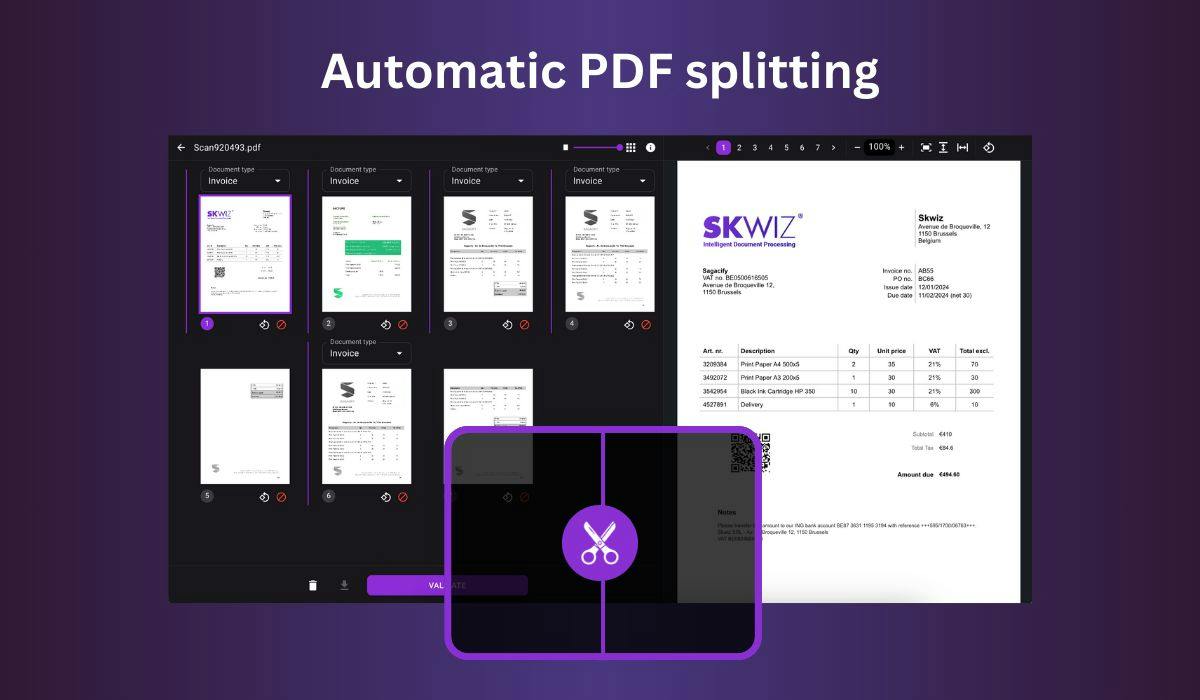
You can now further automate your document workflows with our PDF splitting feature. If you often end up with a single, long PDF after scanning multiple documents in one go, you can now let Skwiz take care of it. We can automatically separate these scans into individual documents to automate even more of your workflow.
Enable PDF splitting now via Live documents > Configure > Workflow > Analysis > Enable.
To use it in the web app, select Analysis > Split document(s) when uploading a PDF.
To use it through the API, use the Analysis routes to upload your PDF.